Use the sharing options in the investment simulator to discuss a plan with your family or show an example on social media. A link lets someone try the same settings; an image presents the result in a format ready to attach to a post.
Share a link to the same plan
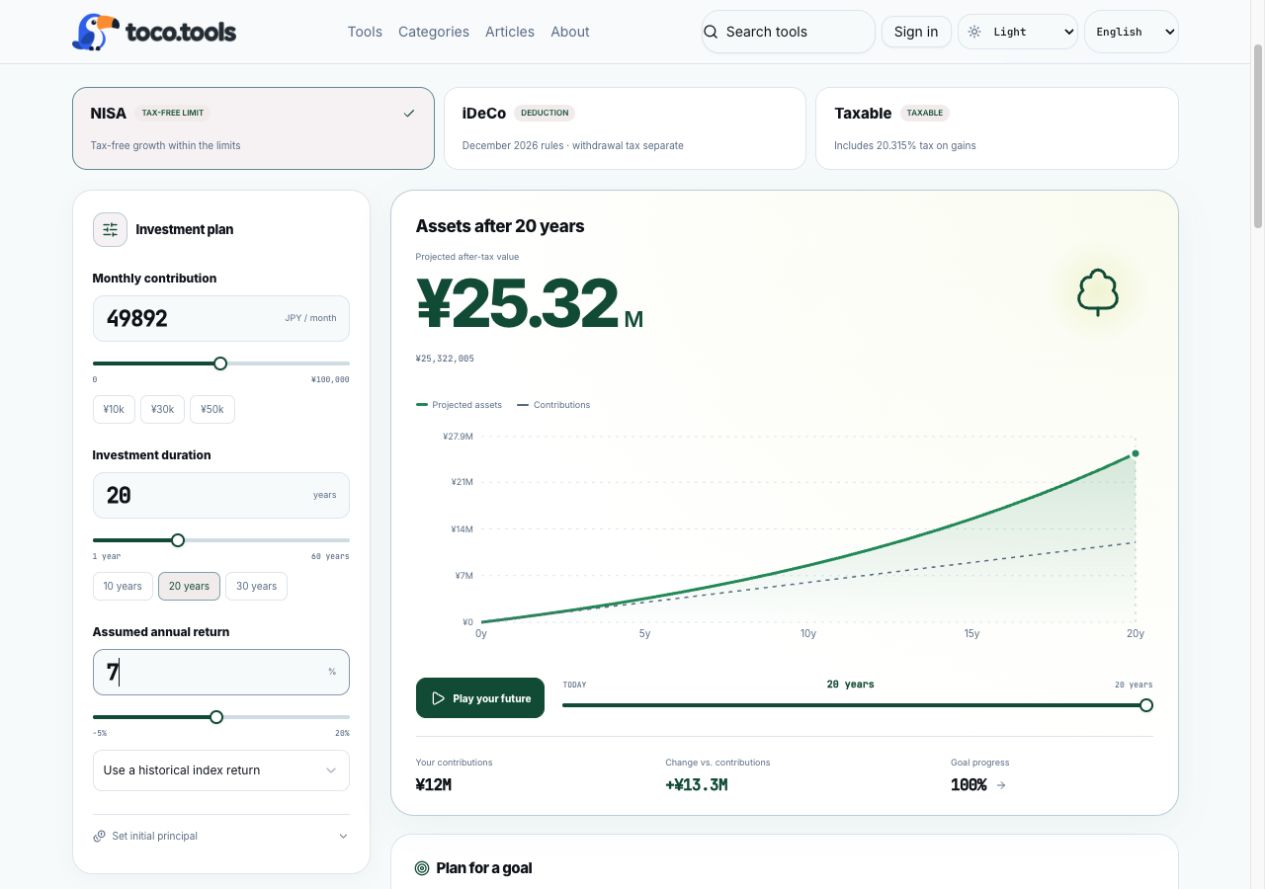
- Set your monthly contribution, duration, annual return and other conditions in the investment simulator.
- Open Share plan.
- Copy the link and paste it into a message or post.
The shared URL contains your amounts, duration, annual return, account type, goal and other settings. Opening it loads the simulator with the same conditions, so the recipient can change the numbers and compare scenarios.
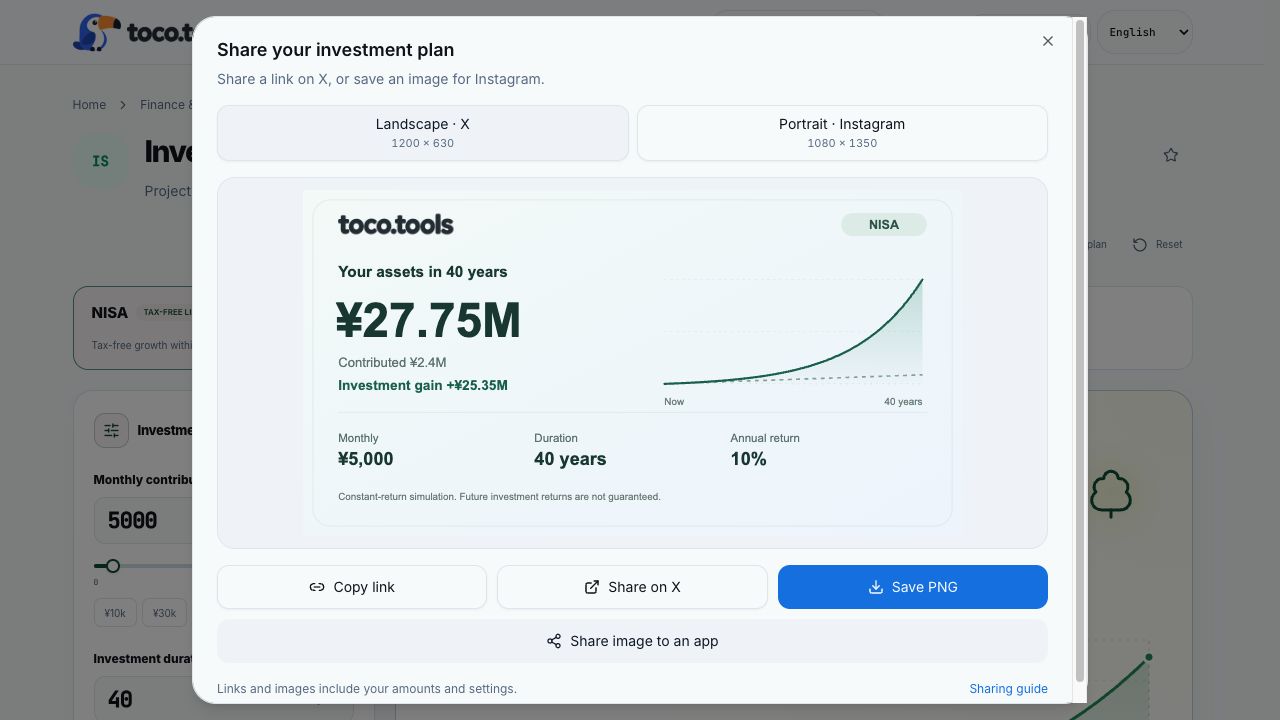
To share on X, open its post screen from the sharing dialog. Review or edit the text and link, then publish the post yourself.
Links shared on X support a card showing the projected amount and conditions. The social platform controls the final card display.
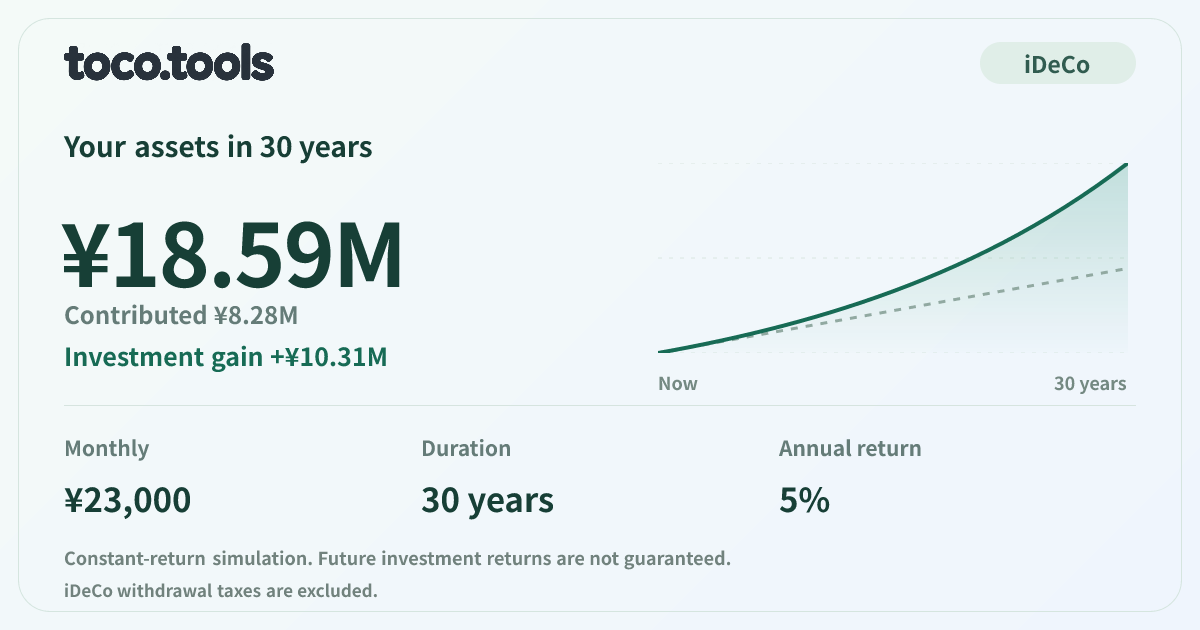
Save an image for X or Instagram
Choose a PNG size in the sharing dialog:
- For X: 1,200×630 pixels, in landscape format.
- For Instagram: 1,080×1,350 pixels, in portrait format.
Save the PNG and attach it to your X post. For Instagram, open the Instagram app, select the saved image and publish it there.
On supported devices and browsers, you can also send the image to your device’s share menu and choose a destination. The image captures the result when you save it. Include the link as well if you want someone to explore the calculation for themselves.
For an explanation of contributions, annual return assumptions, compounding and time, read our worked examples of aiming for ¥20 million in retirement.
Frequently asked questions
Can the recipient change the contribution or annual return?
Yes. The shared link opens the simulator with the same conditions, and the recipient can change the contribution, duration, return and other settings. Changing the current inputs does not change a link you already copied.
Does this automatically publish to Instagram?
After saving the image, select it in the Instagram app and publish it yourself. If you use your device’s share menu, review the content in the destination app too.
What if my device’s share menu is unavailable?
Save the PNG and attach it to a post, or copy the link to share it. Sending an image directly to the device’s share menu requires a supported device and browser.